
Interactive Presentation: Fuel Loading Systems
This tool is designed for sales departments to serve as a primary visualization resource during face-to-face negotiations. The application enables the demonstration of the appearance and detailed components of loading systems, allowing for the rapid configuration of equipment based on a client's specific technical requirements.

Development Objectives
To create a modern, high-impact tool for presenting products to the executive management of client companies.
- Key Focus: High-quality graphics and the ability to customize systems "on the spot" in the presence of the client.
- Platforms: Optimized for tablets (iOS, Android) and PC versions for large-screen and TV panel demonstrations.
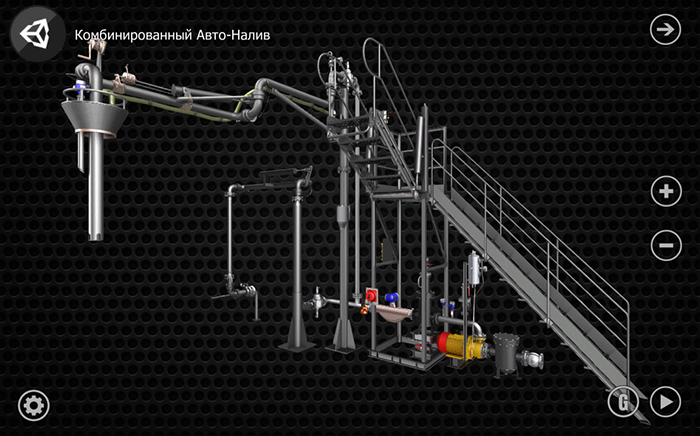
Functional Modules
The presentation is divided into two core modules: the Information Block and the Interactive Configurator..
Information Block
3D Visualization and Interactivity
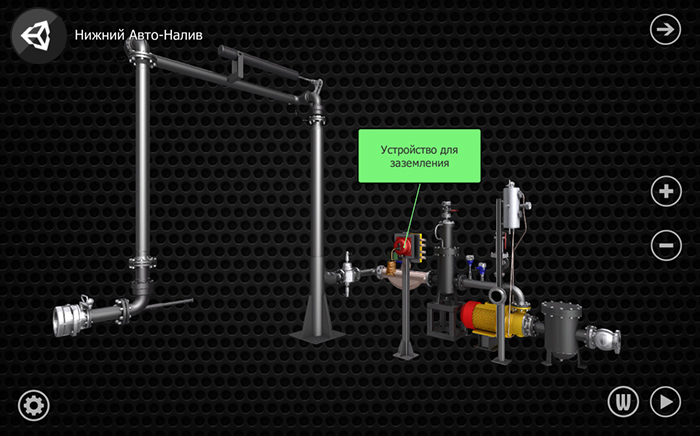
The module provides an interactive 3D representation of the entire product line, featuring a 360-degree panoramic view of every component.
- Camera Control: Supports free scaling and rotation of models along selected axes.
- Mechanical Animation: For specific systems, the app demonstrates component dynamics, such as transitioning from storage (garage) to operating position.
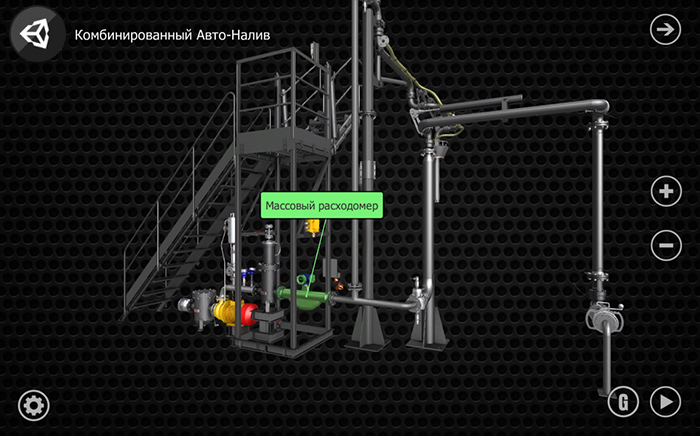
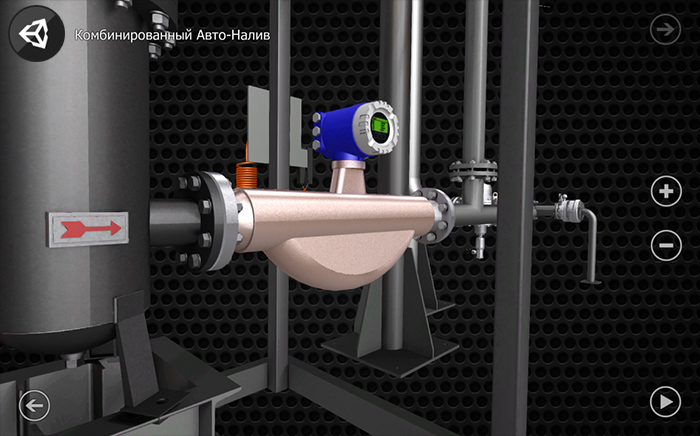
Technical Documentation Management
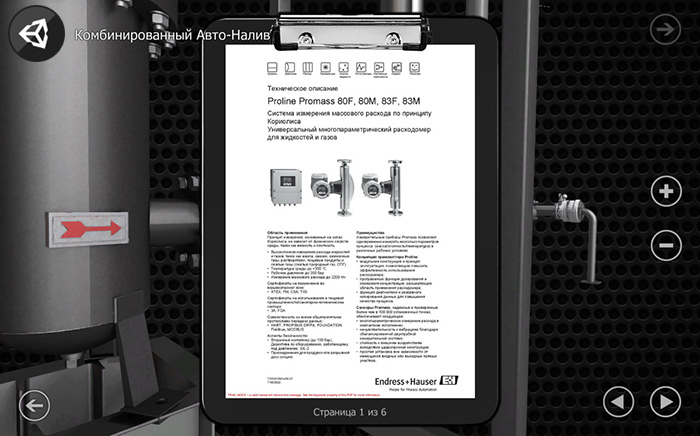
Every equipment element is integrated with a technical documentation database.
- Built-in Viewer: Allows for instant flipping and scaling of document pages directly within the app.
- E-mail Distribution: With an internet connection, full PDF documentation can be sent to the client’s email address immediately during the presentation.
Interface and Usability
The control system is cross-platform and adapted for two types of input:
- Touch Interface: Optimized for tablet screens.
- Classic Interface: Designed for mouse control in the PC version.
The intuitive navigation allows managers to use the application effectively without prior training.
Configurator Module
System Configuration
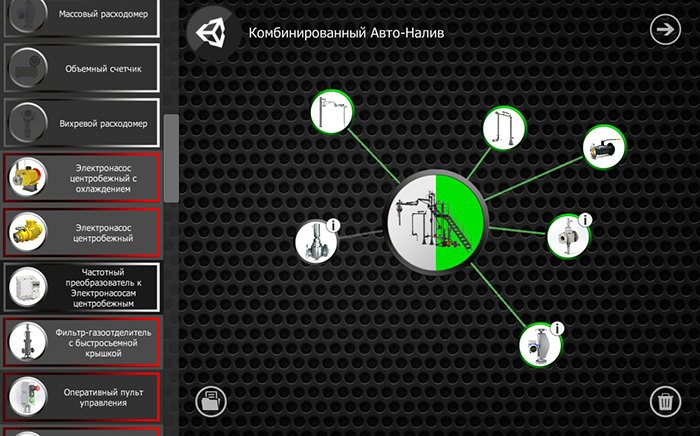
The configurator enables the rapid assembly of a customized equipment package tailored to a specific client's needs.
- Intuitive Selection: Managers choose components from the general catalog and add them to the workspace.
- Validation Logic: The system automatically verifies the configuration to ensure the minimum required components for functional operation are present. Upon successful assembly of a viable system, the app provides a confirmation signal.
-
Flexible Editing: Users can add or remove components at any time and instantly access the technical documentation for each selected unit.
Project Management and Templates
- Save and Export: Completed specifications can be saved for future adjustments or sent to the client via email as a ready-to-use proposal directly from the device.
- Template Support: The system supports an unlimited number of configurations. It includes the ability to create a "template library" based on standard solutions for rapid presentation deployment.
Results and Efficiency
The implementation of this presentation product provides sales managers with a powerful tool that significantly increases negotiation efficiency at all levels:
- For Executives: A clear, modern demonstration of product status and reliability.
- Technical Specialists: Detailed insight into system composition, access to documentation, and component compatibility verification.
- For the Sales Process: The ability to engage the customer in a real-time, "turnkey" system creation process.
The product fully addresses visualization, configuration, and the real-time generation of commercial proposals in field conditions.
Platform: Android, PC
Year of release: 2016
Client: "VipStudio", Novosibirsk
Developed by: E140Games